

What are PV and PVC?
A PV (PersistentVolume) in Managed Kubernetes is a resource used to store data. It is attached to pods but has a separate lifecycle, specified by its reclaim policy. This policy determines if a PV will continue to exist or will be deleted when a pod attached to it gets destroyed. A PV represents a piece of available storage. To use a PV, a user needs to create a PersistentVolumeClaim (PVC,) which is a request for storage. Kubernetes passes this request to a storage class, which creates PVs automatically in response to the PVC.Create a PVC
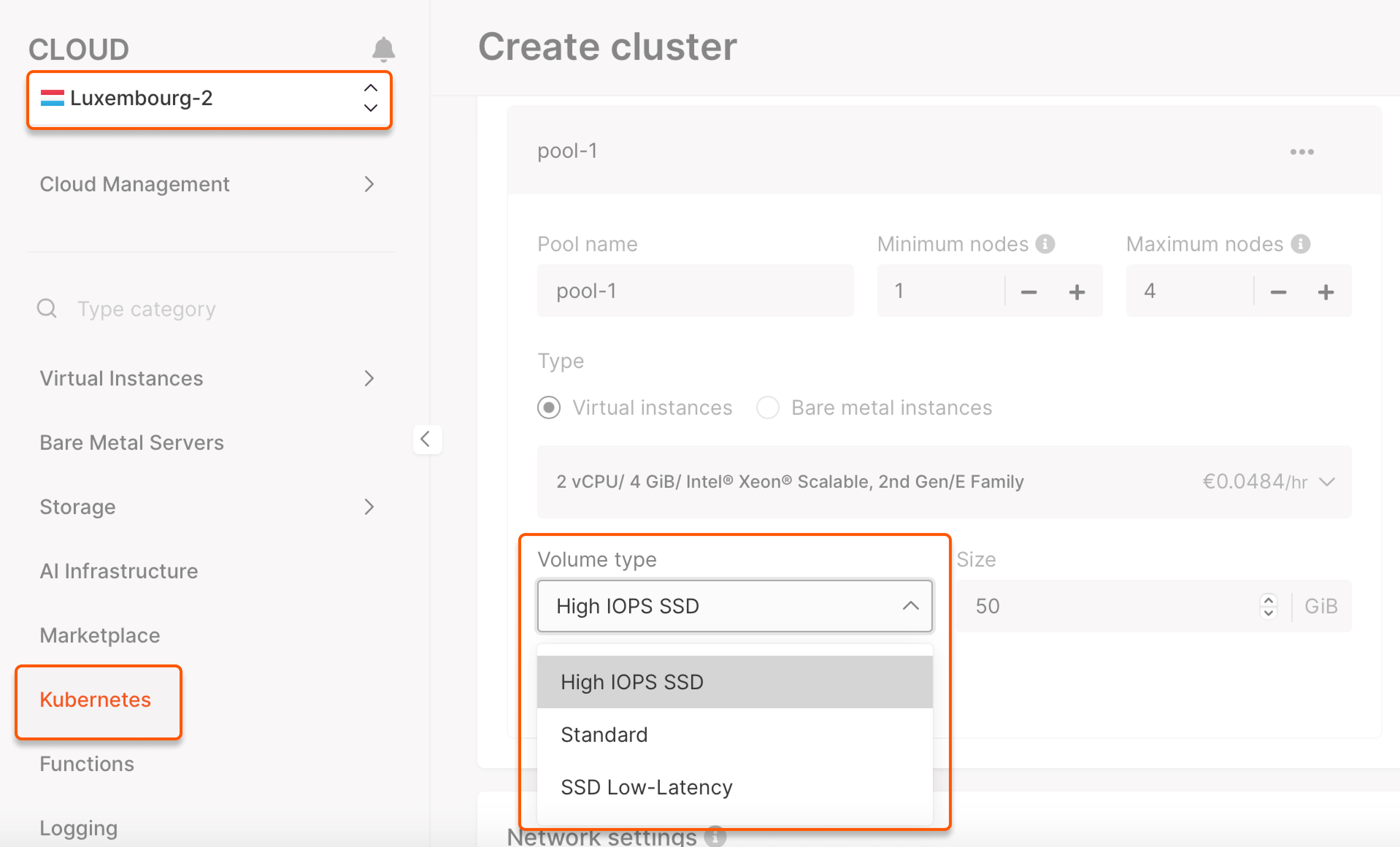
Before you create a PVC, you need to create a storage class with the required disk type. Gcore provides the following disk types:| Volume type | Features |
|---|---|
| standard | Standard Network SSD disk, which provides stable and high random I/O performance, as well as high data reliability (6 IOPS per 1 GiB; 0.4 MB/s per 1 GiB.) The IOPS performance limit is 4,500. The bandwidth limit is 300 MB/s. |
| ssd_hiiops | High IOPS SSD High-performance SSD block storage designed for latency-sensitive transactional workloads (60 IOPS per 1 GiB; 2.5 MB/s per 1 GiB.) The IOPS performance limit is 9,000. The bandwidth limit is 500 MB/s. |
| ssd_lowlatency | SSD Low Latency SSD block storage, designed for applications that require low-latency storage and real-time data processing. It can achieve IOPS performance of up to 5000, with an average latency of 300 µs. |
csi-sc-cinderplugin-hiiops: Storage class namessd_hiiops: Disk type (standard,ssd_hiiops, orssd_lowlatency)
block-pvc: PVC namecsi-sc-cinderplugin-hiiops: Name of the created storage class1Gi: Storage size
Bind your PVC to a pod
1. Create a YAML file to bind the created storage class to your pod.mypod: Pod namemyfrontend: Container name"/var/www/html": Destination inside the pod where to mount the storage classmypd: Storage class nameblock-pvc: Created PVC name